How to Set Up a Commercial Security System
Sommaire
- What Is a Commercial Security System and Why Businesses Need One
- Business Security Systems vs Residential Alarm Systems
- Essential Components of a Commercial Surveillance System
- Get a Commercial Security Assessment
- Step-by-Step Commercial Security System Installation Process
- Step 1: Site Assessment and Security System Design
- Step 2: Selecting Cameras, Sensors, and Control Panels
- Step 3: Wiring, PoE Cabling, and Network Configuration
- Step 4: Mounting Security Cameras and Installing Motion Sensors
- Step 5: Integrating Access Control, Alarms, and Video Surveillance
- Step 6: System Testing, Calibration, and Configuration
- Step 7: Staff Training and Security System Handover
- Ready to Install Your Commercial Security System?
- Planning Your Business Security System Setup
- Conducting a Security Assessment and Risk Analysis
- Mapping Entry Points, Blind Spots, and Vulnerable Areas
- Setting Security Goals for Retail, Office, and Warehouse Properties
- Selecting Commercial Alarm and Surveillance Equipment
- IP Cameras, Dome Cameras, Bullet Cameras, and PTZ Cameras
- Indoor vs Outdoor Security Cameras and Optimal Placement
- Access Control Systems: RFID Card Readers, Biometric Scanners, and Smart Locks
- Intrusion Alarms, Motion Detectors, and Glass Break Sensors
- NVR vs DVR: Commercial Video Storage and Recording
- Smoke Detectors, Fire Alarms, and Carbon Monoxide Sensors
- DIY Business Security Setup vs Professional Installation
- When to Install a Business Security System Yourself
- Why Professional Installation Ensures Compliance and Reliability
- Building Codes, Insurance Requirements, and Certification in Quebec
- 24/7 Monitoring and Remote Access for Commercial Alarm Systems
- Central Monitoring Station vs Self-Monitoring Your Business Alarm
- Real-Time Alerts, Smartphone App Control, and Remote Surveillance
- Cloud Storage, Video Analytics, and Alarm.com Integration
- Ready to Secure Your Business?
- Maintaining and Upgrading Business Surveillance Systems
- When to Expand or Upgrade Your Commercial Security Setup
- Professional Business Security System Installation in Montreal
- Sting Smart Security: Turnkey Commercial Alarm and Surveillance Solutions
Setting up a commercial security system protects your business, employees, and assets from theft, vandalism, and unauthorized access. A properly installed business security system combines surveillance cameras, access control, intrusion alarms, and 24/7 professional monitoring into one integrated solution.
This guide explains how to plan, install, and configure a commercial alarm and surveillance system for retail stores, offices, warehouses, and industrial facilities throughout Montreal and Quebec.
What Is a Commercial Security System and Why Businesses Need One
A commercial security system is a network of integrated devices designed to protect business properties from security threats. Unlike residential alarm systems, commercial security solutions handle larger spaces, multiple entry points, higher traffic, and complex access control requirements.
Business Security Systems vs Residential Alarm Systems
Business security systems differ from residential alarms in scale, complexity, and functionality. Commercial installations require more cameras, multiple access control points, advanced video analytics, and integration with professional monitoring stations. Commercial alarm systems must also meet stricter building codes, fire safety regulations, and insurance requirements specific to Quebec and Canadian businesses.
Essential Components of a Commercial Surveillance System
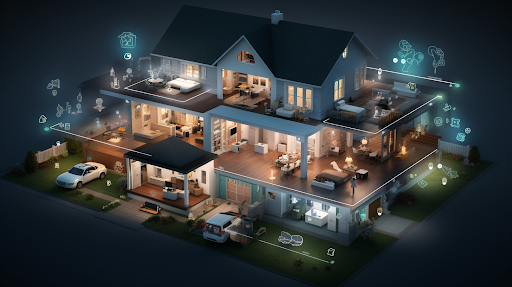
A complete commercial security solution includes:
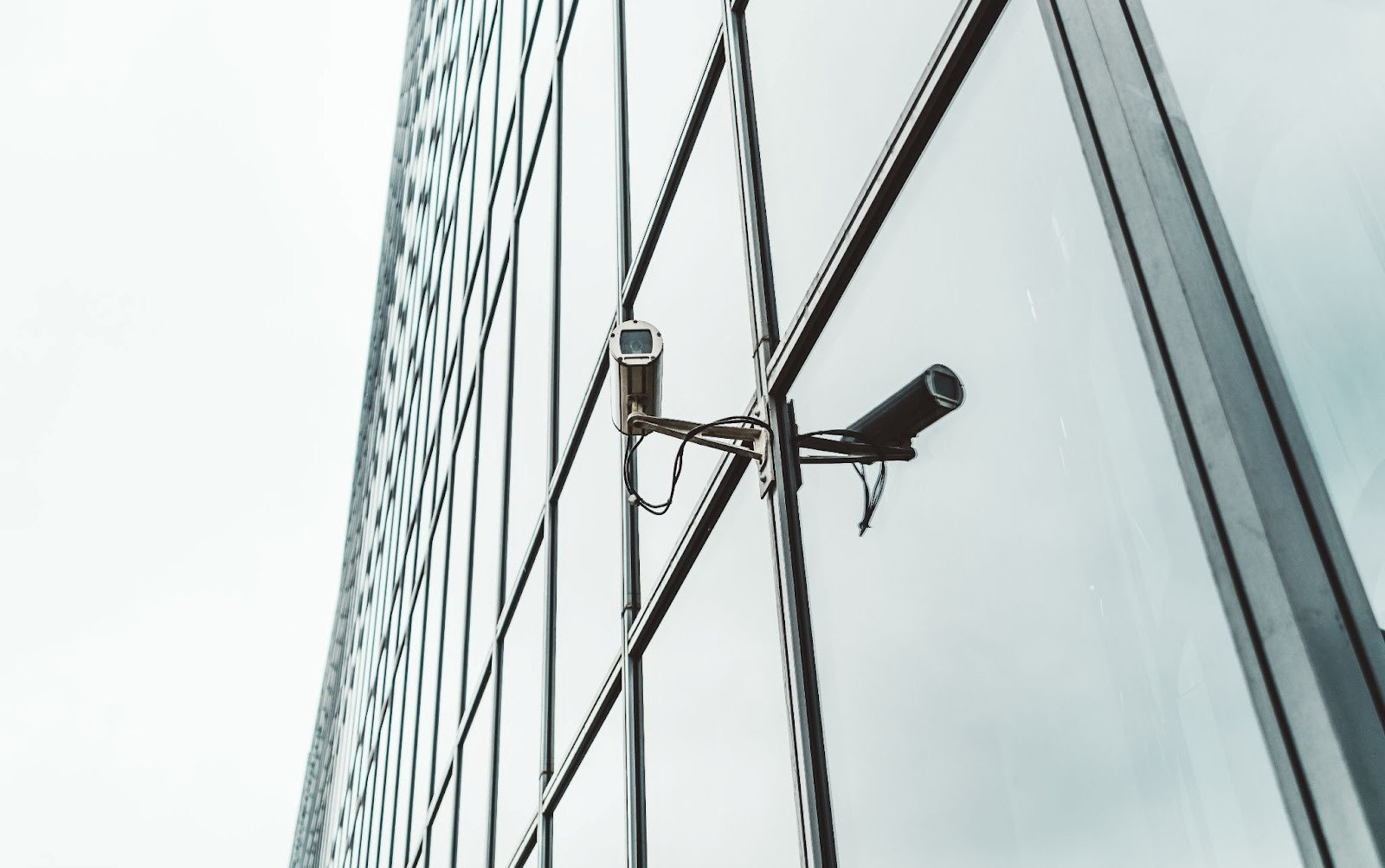
- Security cameras – IP cameras, dome cameras, bullet cameras, and PTZ cameras for indoor and outdoor surveillance
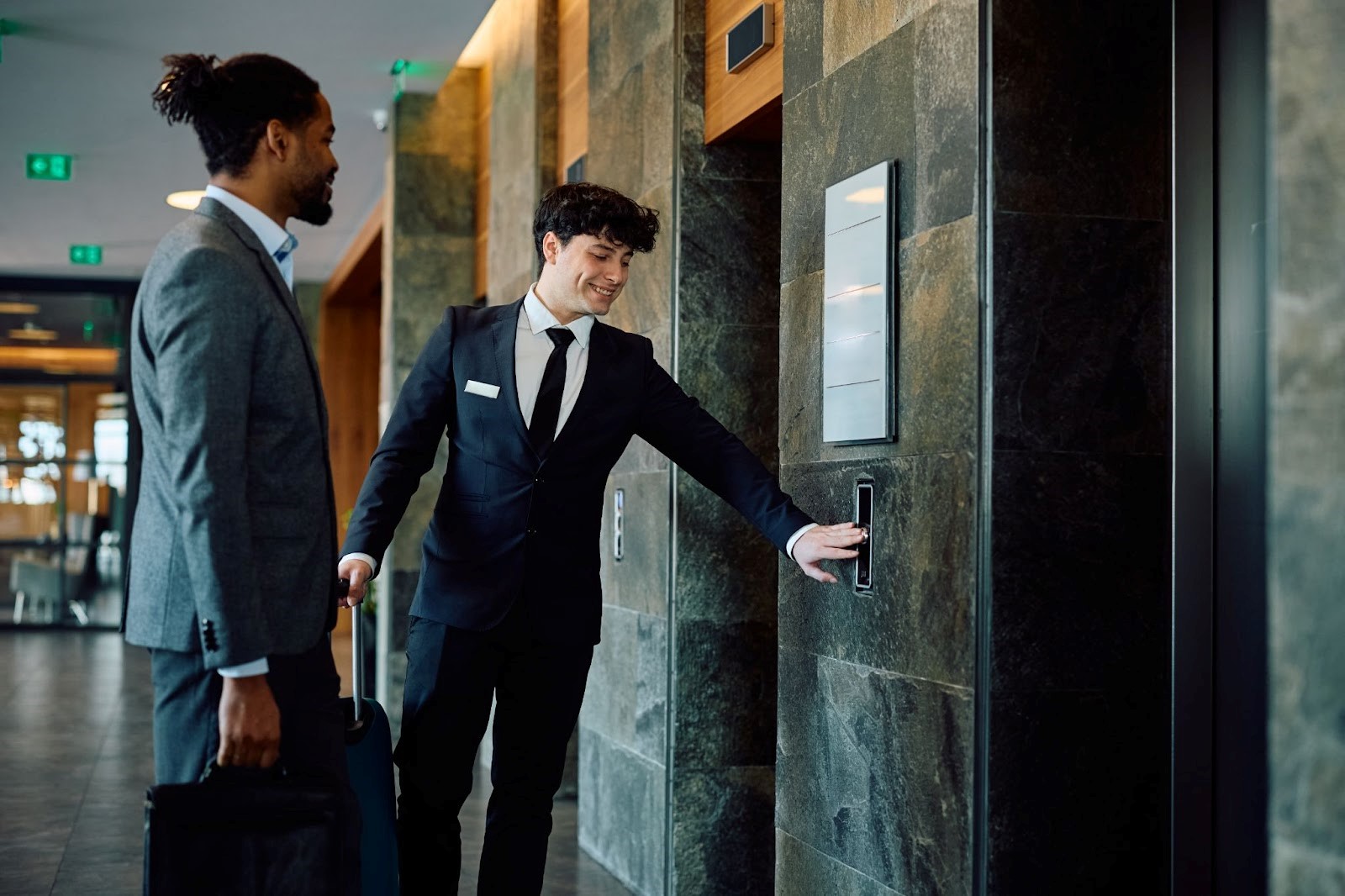
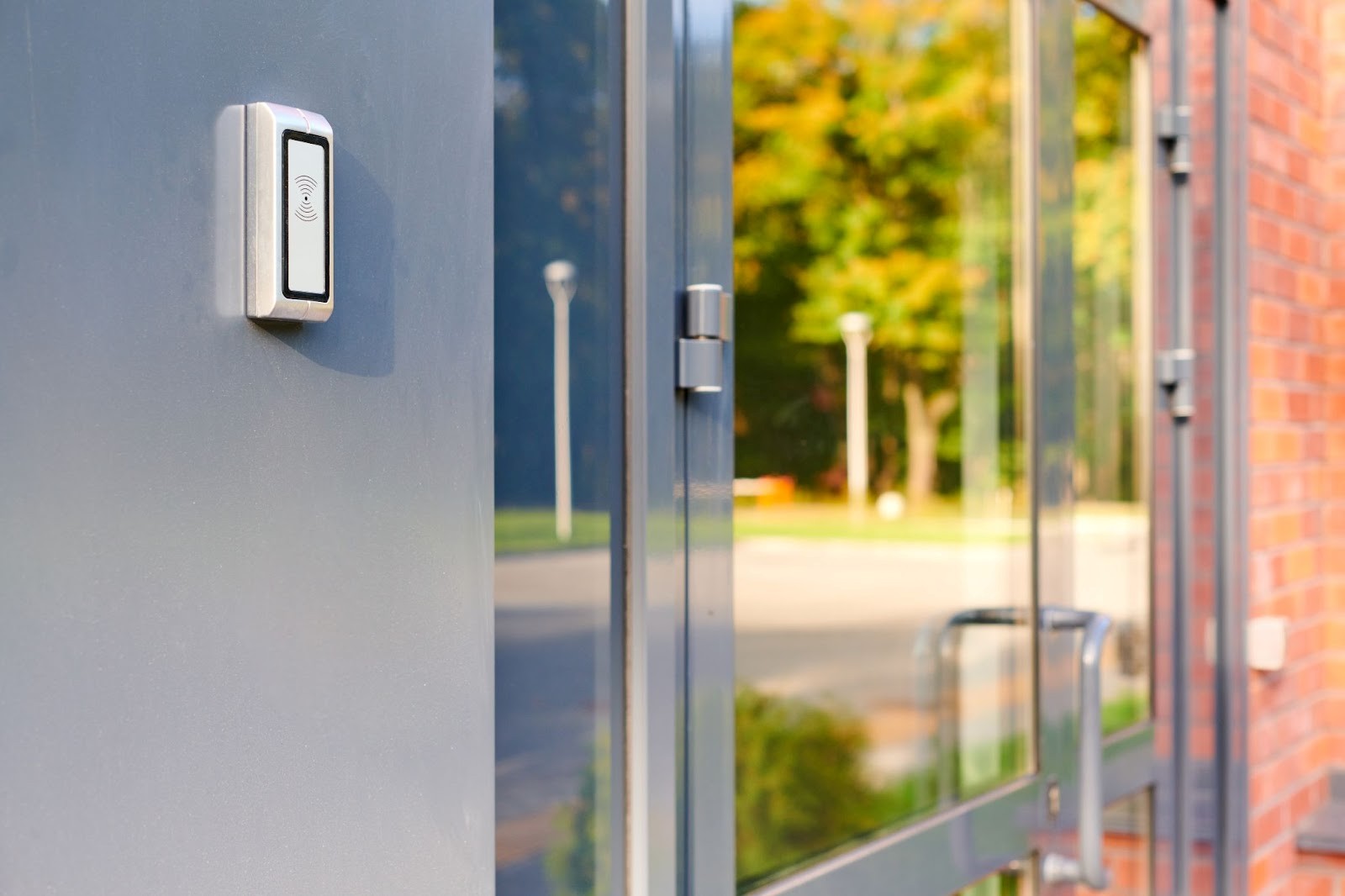
- Access control systems – RFID card readers, biometric scanners, keypads, and smart locks controlling entry points
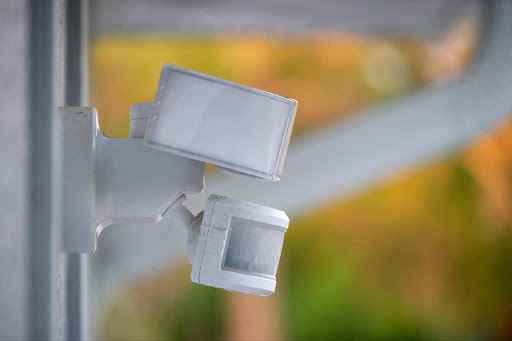
- Intrusion detection – motion detectors, door sensors, window sensors, and glass break sensors
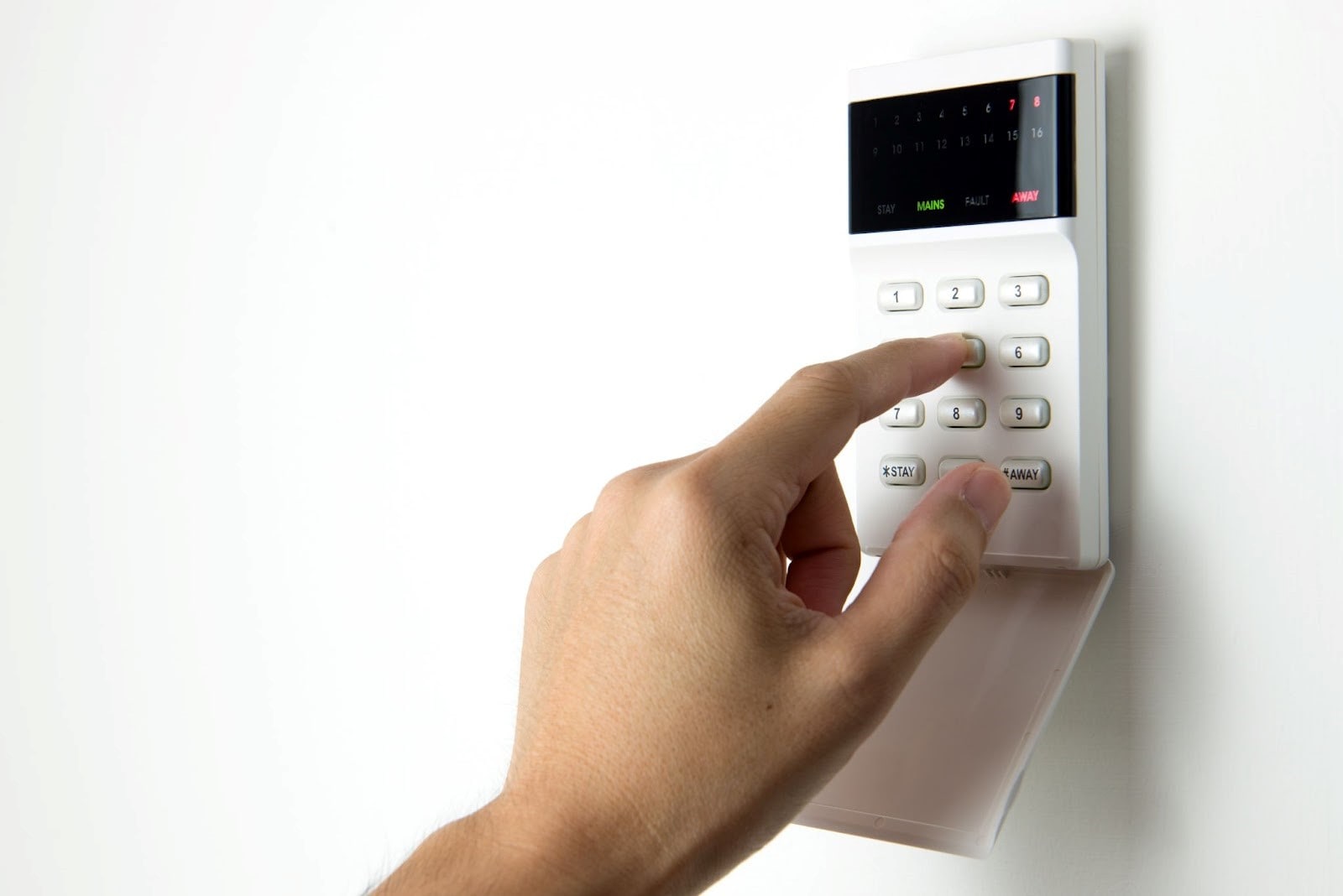
- Alarm systems – control panels, sirens, and central monitoring station connectivity
- Video storage – NVR or DVR systems with cloud storage and video analytics
- Life safety devices – smoke detectors, fire alarms, and carbon monoxide sensors
Get a Commercial Security Assessment
Not sure which security equipment your business needs? Sting Security provides on-site assessments for Montreal businesses—identifying vulnerabilities and recommending tailored solutions.
Step-by-Step Commercial Security System Installation Process
Professional commercial security installation follows a structured process ensuring proper configuration and complete coverage.
Step 1: Site Assessment and Security System Design
Security professionals visit your property to assess vulnerabilities, measure spaces, and document infrastructure. They design a customized system layout specifying camera positions, sensor locations, access control points, and wiring routes.
Step 2: Selecting Cameras, Sensors, and Control Panels
Based on the assessment, installers recommend specific equipment matching your security goals and budget. This includes camera types, sensor quantities, control panel specifications, and storage capacity requirements.
Step 3: Wiring, PoE Cabling, and Network Configuration
Technicians install cabling infrastructure—Cat5/Cat6 Ethernet for IP cameras with PoE (Power over Ethernet), or coaxial cable for analog systems. They configure dedicated network segments for security traffic, ensuring surveillance doesn’t slow business operations.
Step 4: Mounting Security Cameras and Installing Motion Sensors
Cameras are mounted at predetermined positions for maximum coverage. Motion detectors, door sensors, and glass break sensors are installed at entry points and vulnerable areas. All devices are positioned to eliminate blind spots.
Step 5: Integrating Access Control, Alarms, and Video Surveillance
All components connect to the central control panel and management software. Access control, intrusion alarms, and video surveillance integrate into one unified platform—enabling coordinated responses like triggering camera recording when alarms activate.
Step 6: System Testing, Calibration, and Configuration
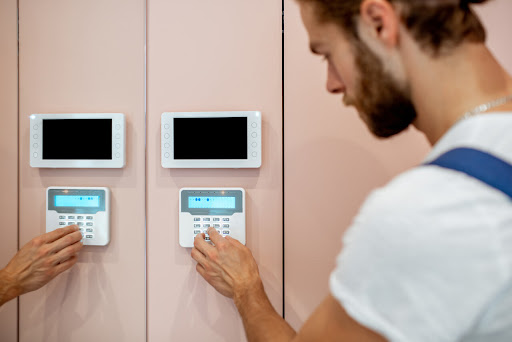
Technicians test every sensor, camera, and access point. They calibrate motion detection sensitivity, configure recording schedules, set up user access codes, and verify connectivity with monitoring stations. Testing ensures the system functions correctly before handover.
Step 7: Staff Training and Security System Handover
Installers train your staff on arming/disarming alarms, managing access credentials, reviewing footage, and responding to alerts. Documentation and user manuals are provided for ongoing reference.
Ready to Install Your Commercial Security System?
Sting Security handles every step—from assessment and equipment selection to professional installation and staff training. Get a complete business security solution with no hassle.
Planning Your Business Security System Setup
Proper planning ensures your commercial security system installation covers all vulnerable areas without blind spots or wasted equipment.
Conducting a Security Assessment and Risk Analysis
A professional security assessment identifies threats specific to your business type and location. Security experts evaluate break-in risks, internal theft potential, employee safety concerns, and compliance requirements. This risk analysis forms the foundation for system design.
Mapping Entry Points, Blind Spots, and Vulnerable Areas
Walk through your commercial property to document all entry points—doors, windows, loading docks, and emergency exits. Identify blind spots where intruders could avoid detection. Map high-value areas like cash registers, inventory rooms, server rooms, and storage facilities requiring extra surveillance coverage.
Setting Security Goals for Retail, Office, and Warehouse Properties
Different business types require different security priorities:
- Retail stores – customer theft prevention, point-of-sale monitoring, after-hours intrusion detection
- Office buildings – access control for restricted areas, visitor management, employee credential tracking
- Warehouses and industrial facilities – perimeter security, loading dock surveillance, asset protection
- Restaurants and medical clinics – customer safety, cash handling areas, compliance with health regulations
Selecting Commercial Alarm and Surveillance Equipment
Choosing the right commercial security equipment ensures reliable protection and long-term value.
IP Cameras, Dome Cameras, Bullet Cameras, and PTZ Cameras
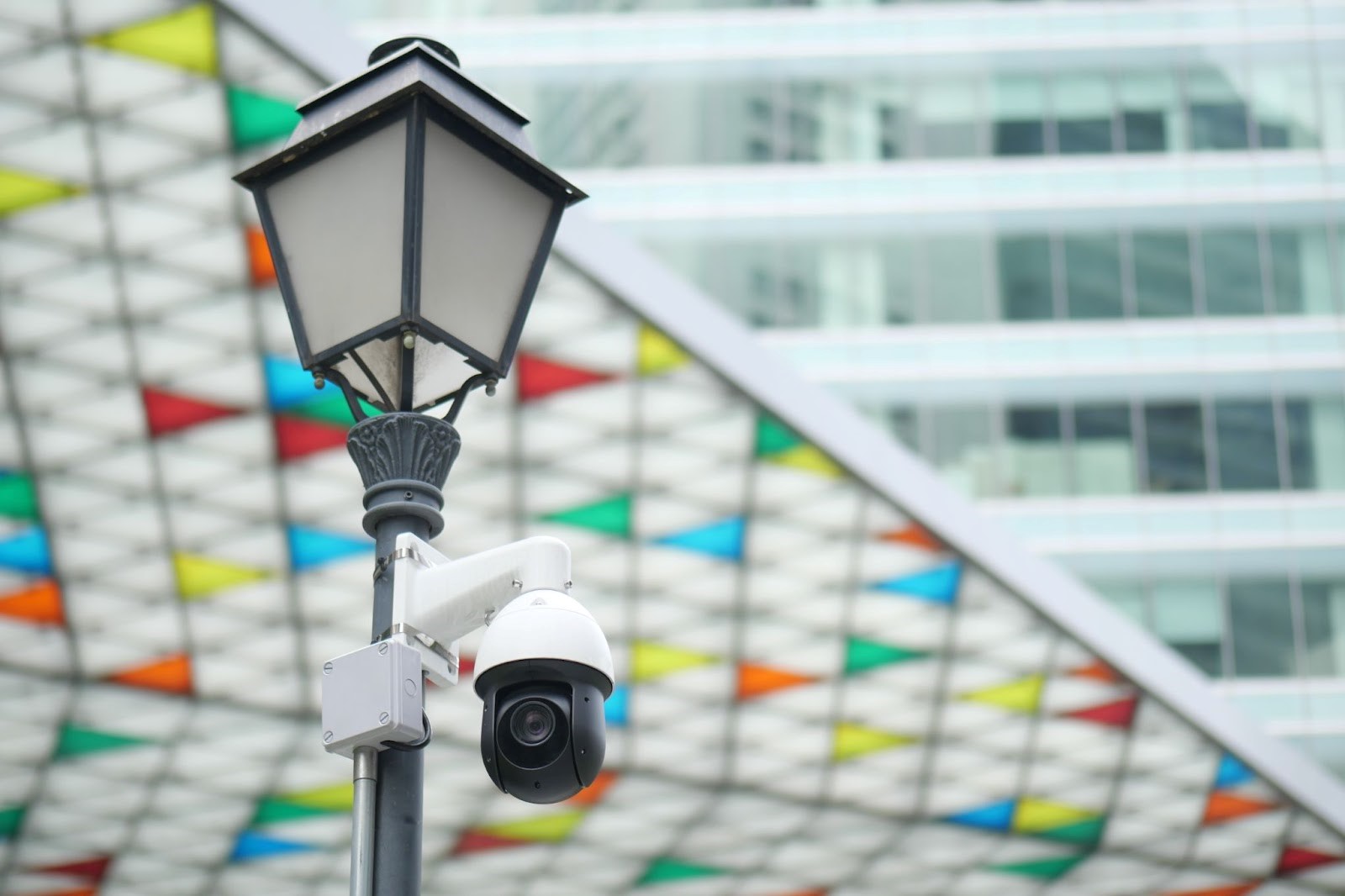
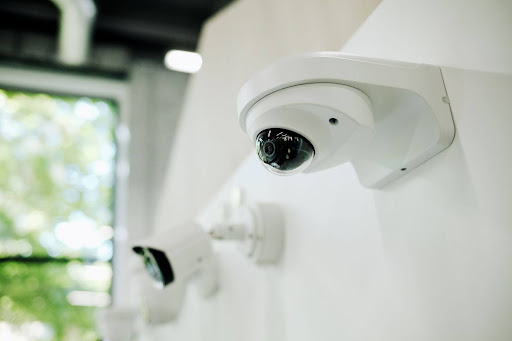
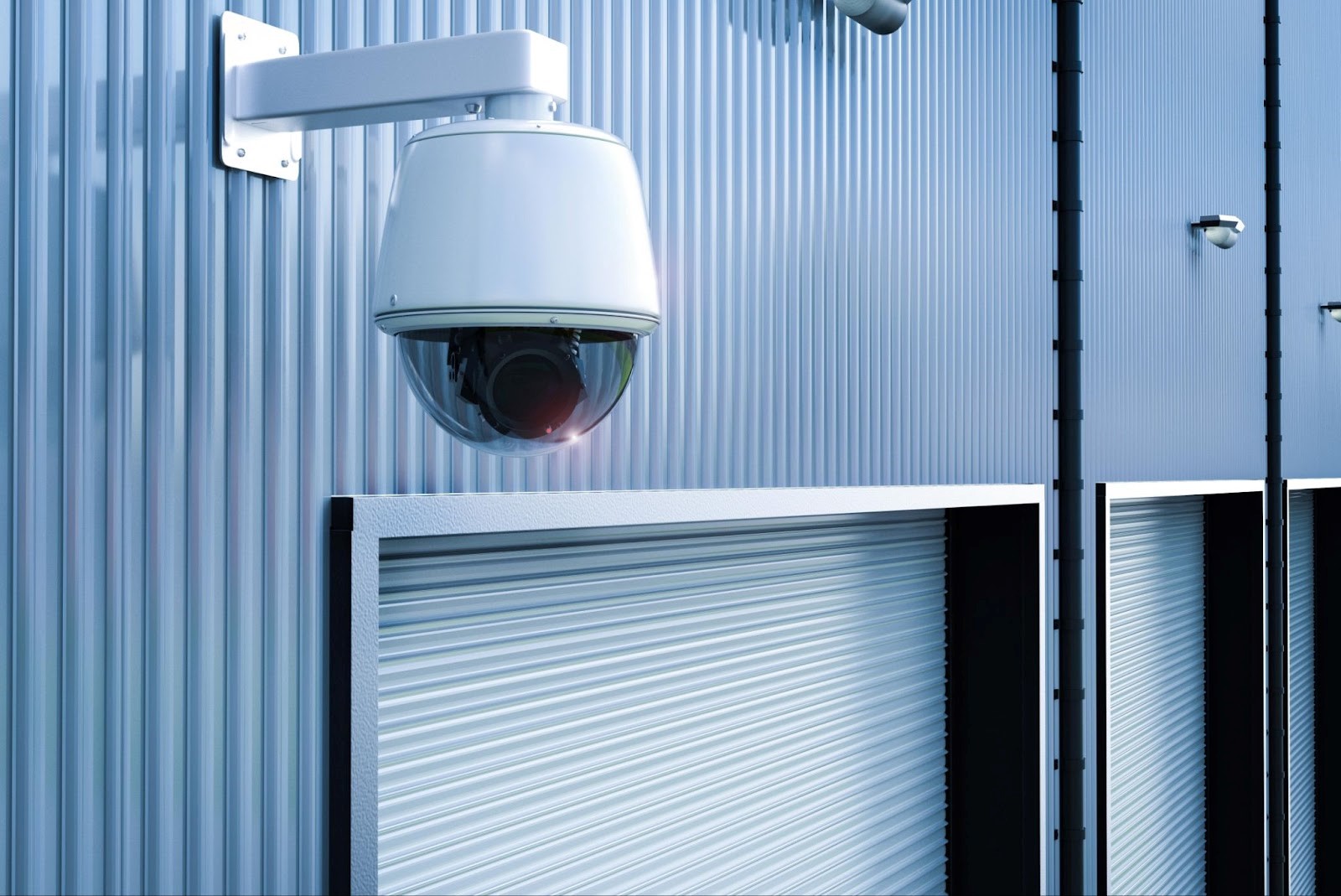
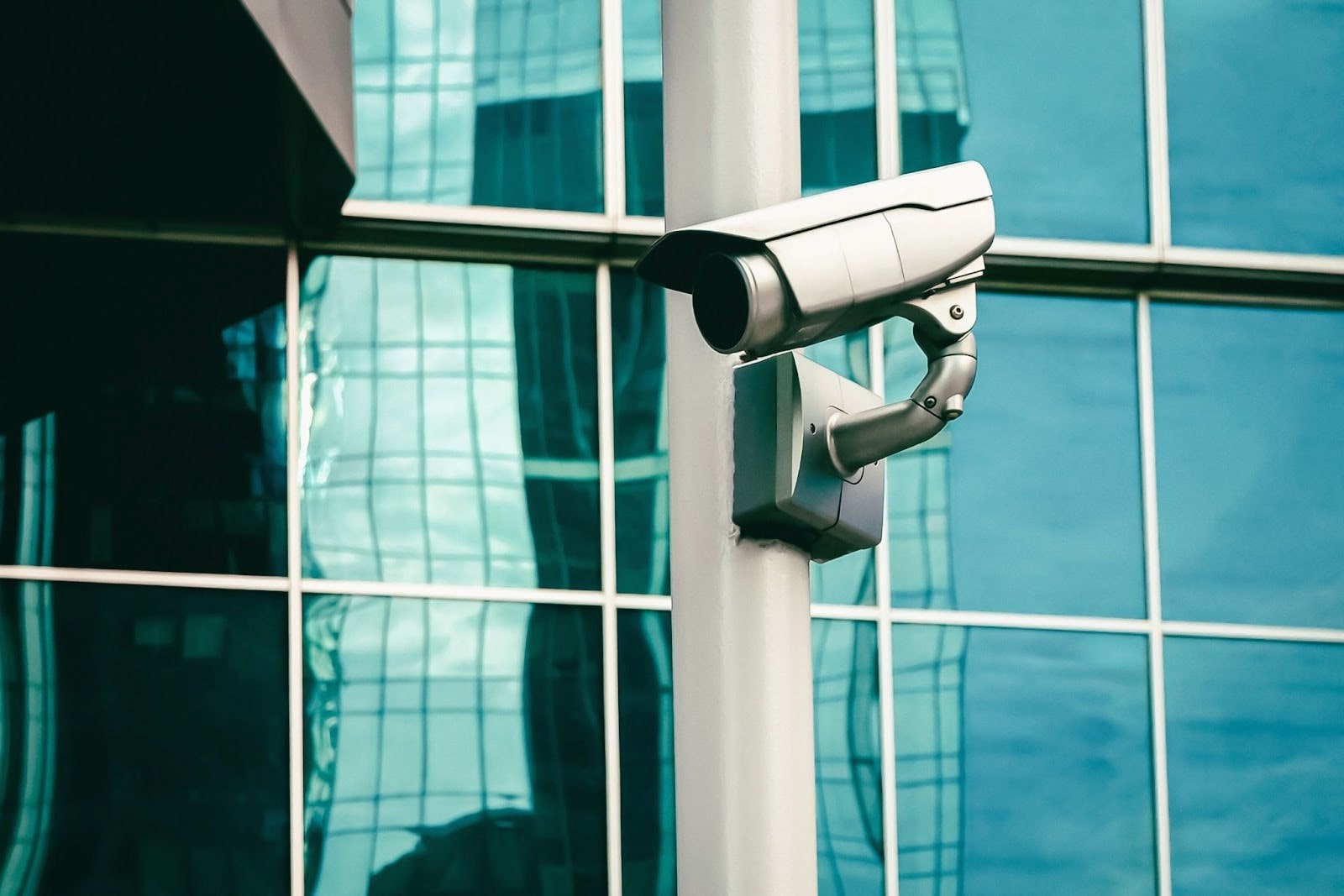
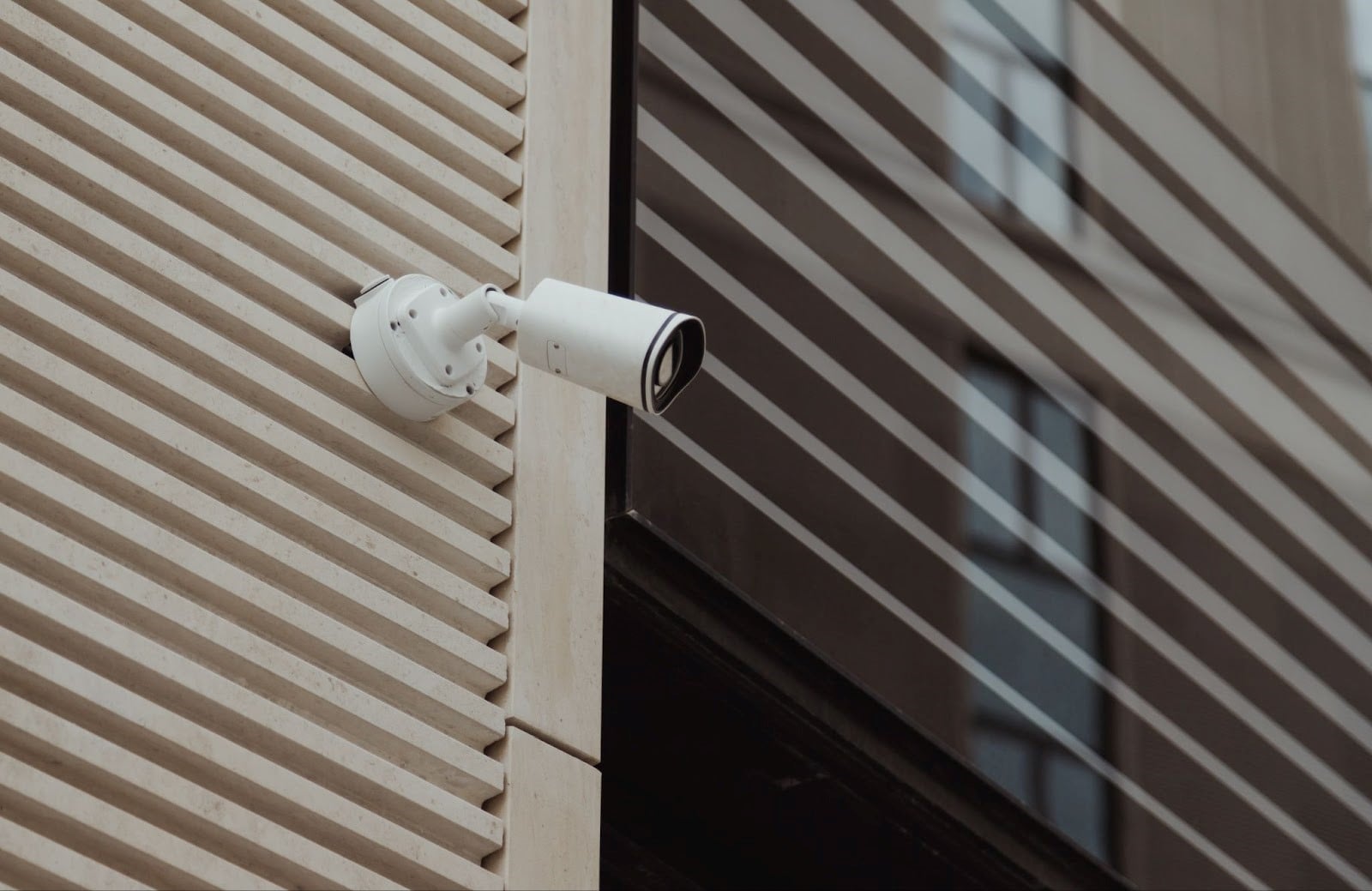
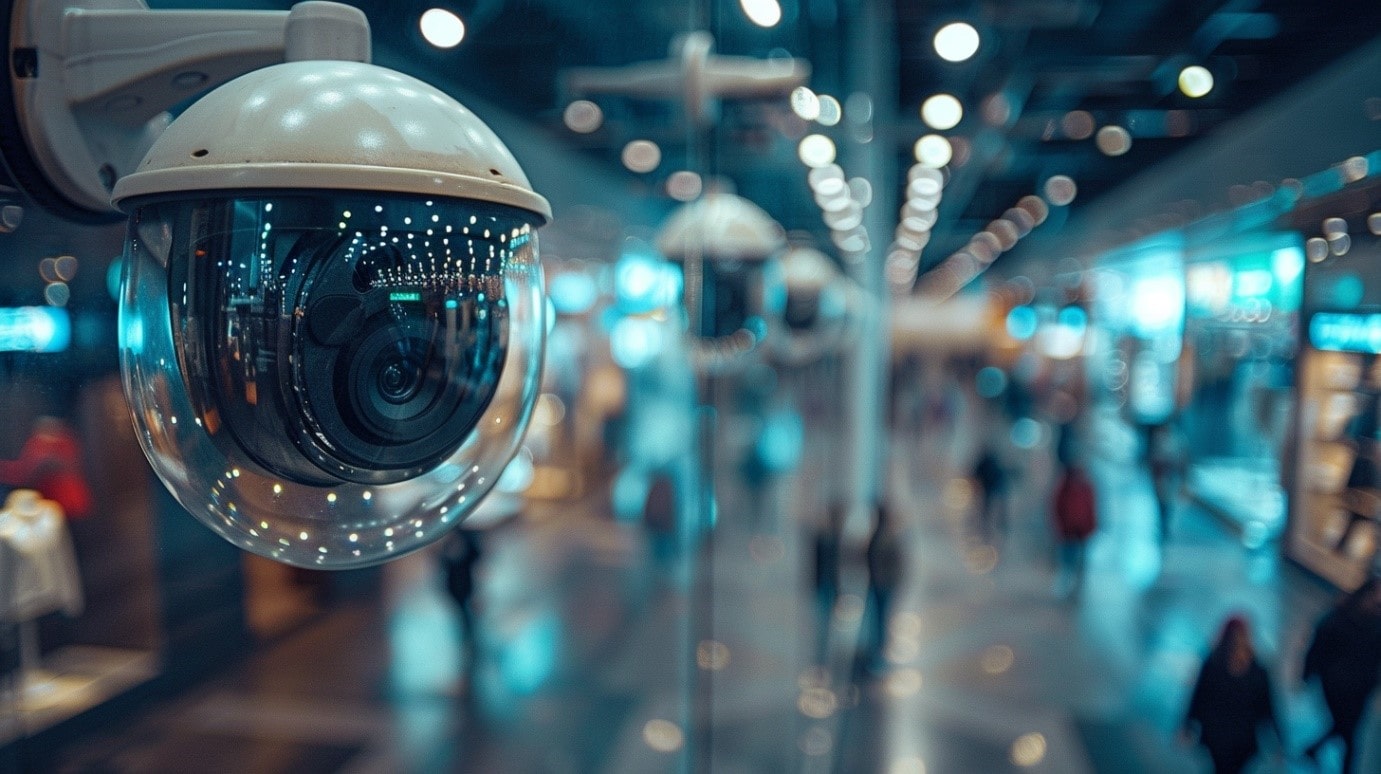
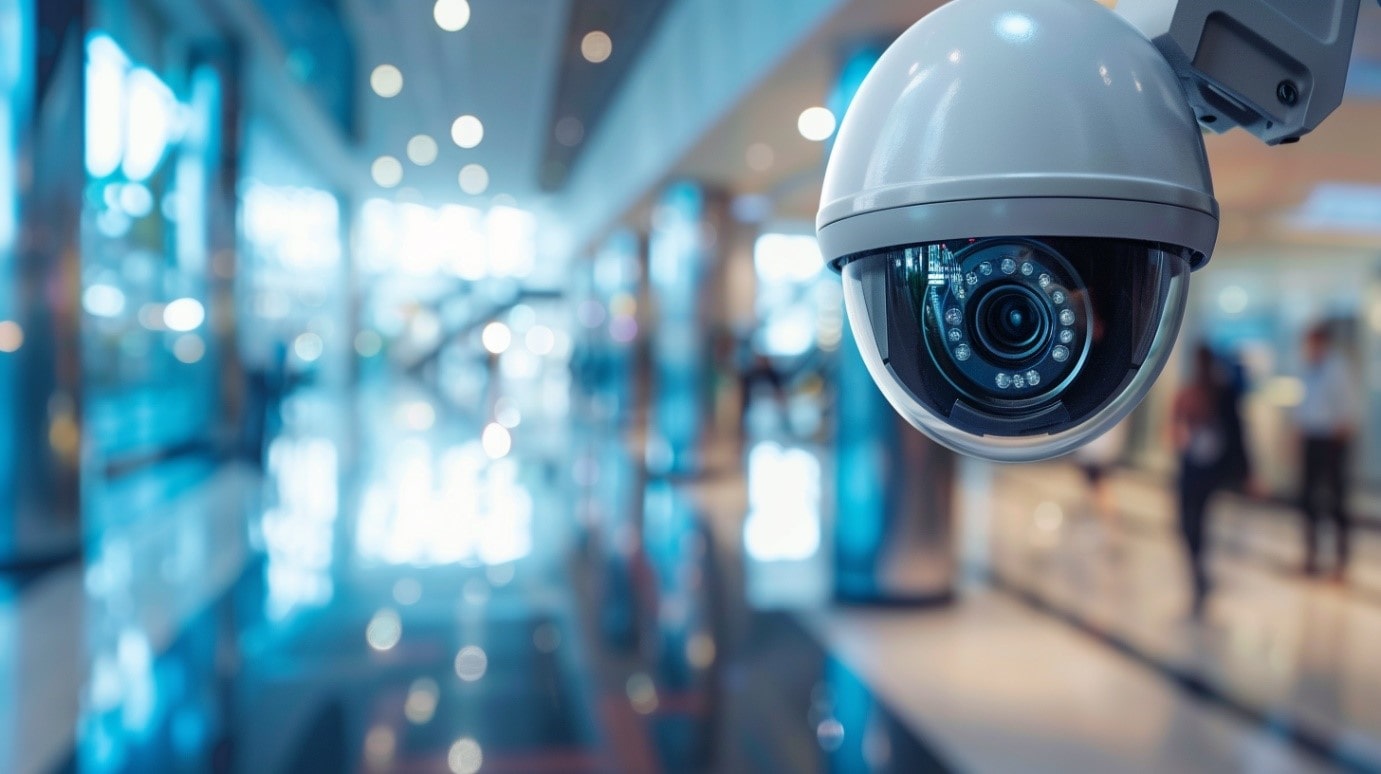
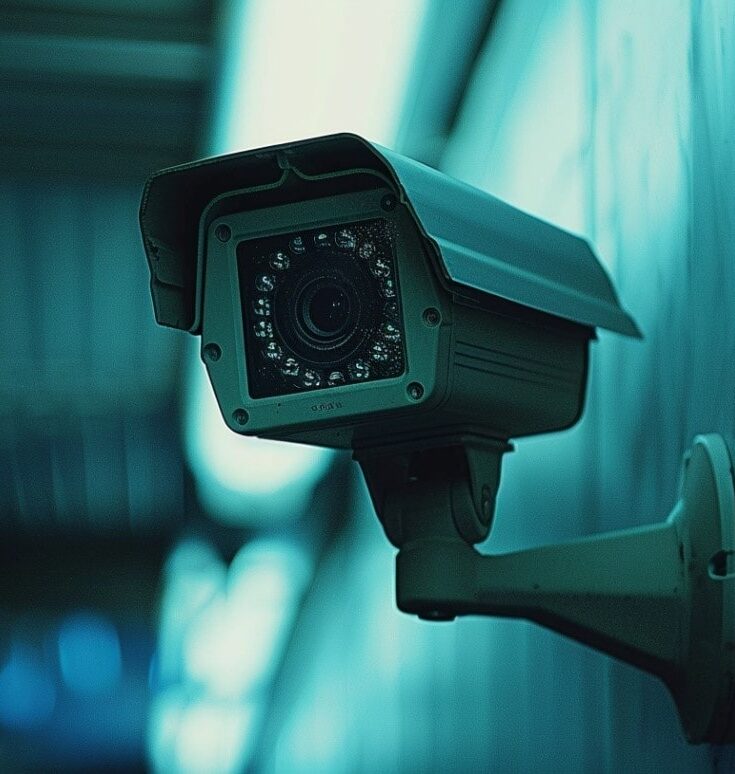
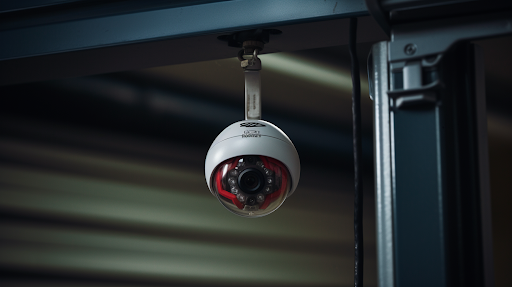
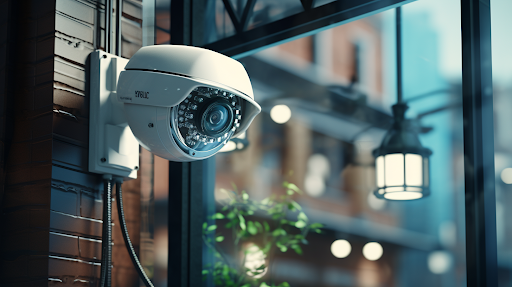
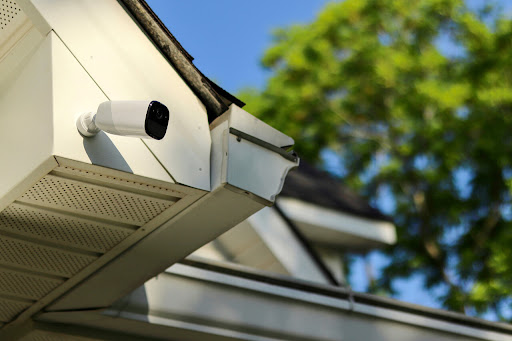
Commercial security cameras come in several types for different applications. IP cameras deliver high-definition video over network connections. Dome cameras offer discreet indoor surveillance. Bullet cameras provide visible deterrence for outdoor areas. PTZ cameras (Pan-Tilt-Zoom) cover large spaces with remote-controlled movement and optical zoom.
Indoor vs Outdoor Security Cameras and Optimal Placement
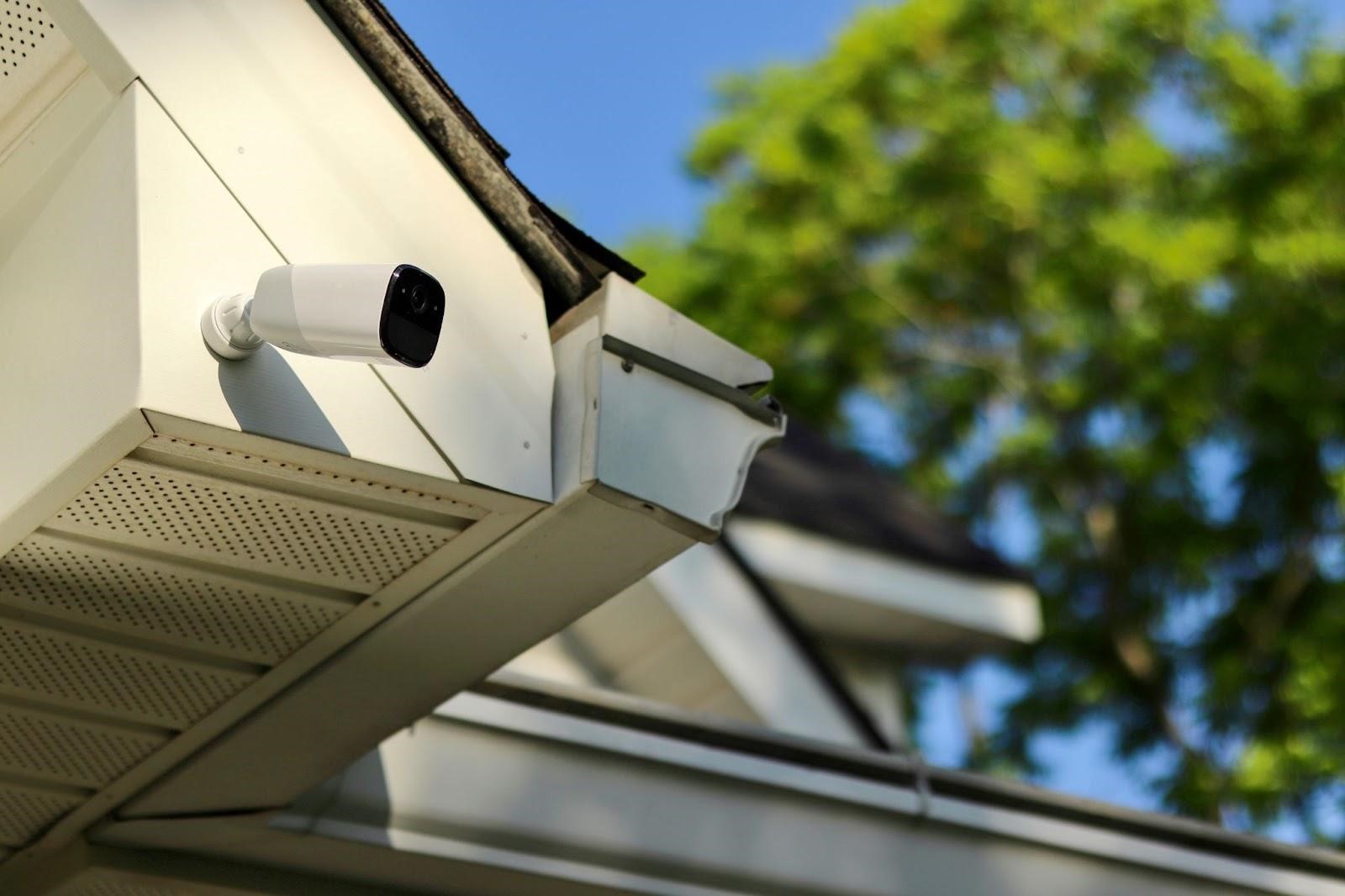
Indoor cameras monitor lobbies, hallways, inventory rooms, and workspaces. Outdoor cameras require weatherproofing, night vision, and vandal-resistant housing. Position cameras 8-10 feet high at entry points, parking lots, loading areas, and building perimeters for optimal coverage without blind spots.
Access Control Systems: RFID Card Readers, Biometric Scanners, and Smart Locks
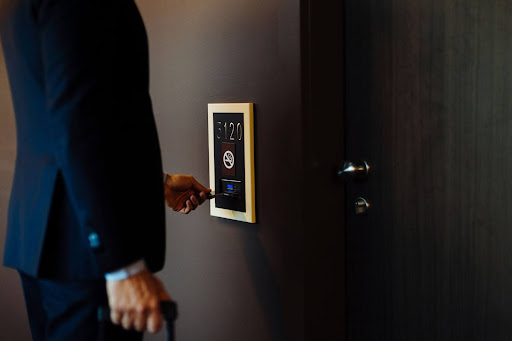
Access control prevents unauthorized entry to your commercial property. RFID card readers and key fobs provide convenient employee access with detailed entry logs. Biometric scanners using fingerprints or facial recognition offer higher security for sensitive areas. Smart locks enable remote locking, temporary access codes, and smartphone control through platforms like Alarm.com.
Intrusion Alarms, Motion Detectors, and Glass Break Sensors
Commercial intrusion detection combines multiple sensor types. Motion detectors trigger alarms when movement is detected after hours. Door and window sensors monitor entry points. Glass break sensors detect forced entry through windows. All sensors connect to a central control panel that communicates with monitoring stations.
NVR vs DVR: Commercial Video Storage and Recording
NVR (Network Video Recorder) systems work with IP cameras over Ethernet networks, supporting higher resolution and remote access. DVR (Digital Video Recorder) systems connect to analog cameras via coaxial cable. For modern commercial installations, NVR systems with cloud storage provide superior video quality, remote viewing, and video analytics capabilities.
Smoke Detectors, Fire Alarms, and Carbon Monoxide Sensors
Life safety devices protect employees and customers from fire and gas hazards. Commercial smoke detectors and fire alarms must meet Quebec fire codes and connect to monitoring services for automatic emergency dispatch. Carbon monoxide sensors are essential for businesses with heating systems, generators, or attached parking structures.
DIY Business Security Setup vs Professional Installation
Business owners often consider DIY installation to reduce costs, but commercial security requires professional expertise.
When to Install a Business Security System Yourself
DIY setup may work for very small businesses adding one or two wireless cameras with basic app monitoring. However, DIY systems lack professional integration, may not meet compliance requirements, and offer limited support.
Why Professional Installation Ensures Compliance and Reliability
Professional installers ensure proper camera placement, correct wiring, seamless integration, and full system testing. Professionals understand building codes, fire regulations, and insurance requirements—avoiding costly mistakes and coverage gaps.
Building Codes, Insurance Requirements, and Certification in Quebec
Quebec commercial properties must meet provincial building codes and fire safety standards. Many insurance providers require professionally installed and monitored systems for coverage. Professional installation includes certification documentation for insurance discount eligibility.
24/7 Monitoring and Remote Access for Commercial Alarm Systems
Continuous monitoring ensures rapid response when security events occur.
Central Monitoring Station vs Self-Monitoring Your Business Alarm
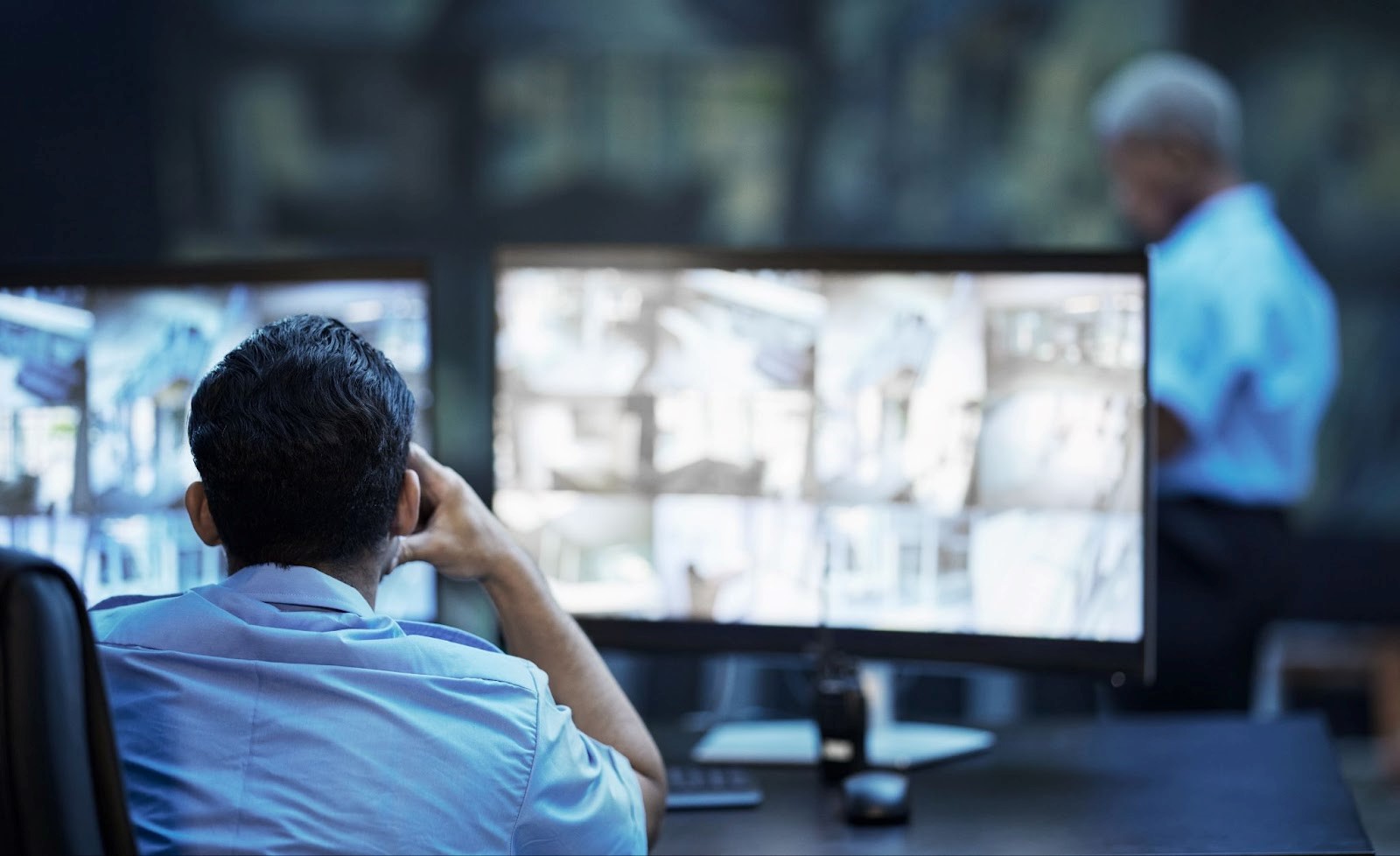
Professional monitoring through a central monitoring station provides 24/7 surveillance by trained operators who dispatch police, fire, or medical services when alarms trigger. Self-monitoring sends alerts to your smartphone but requires you to respond personally—risky if you miss notifications.
Real-Time Alerts, Smartphone App Control, and Remote Surveillance
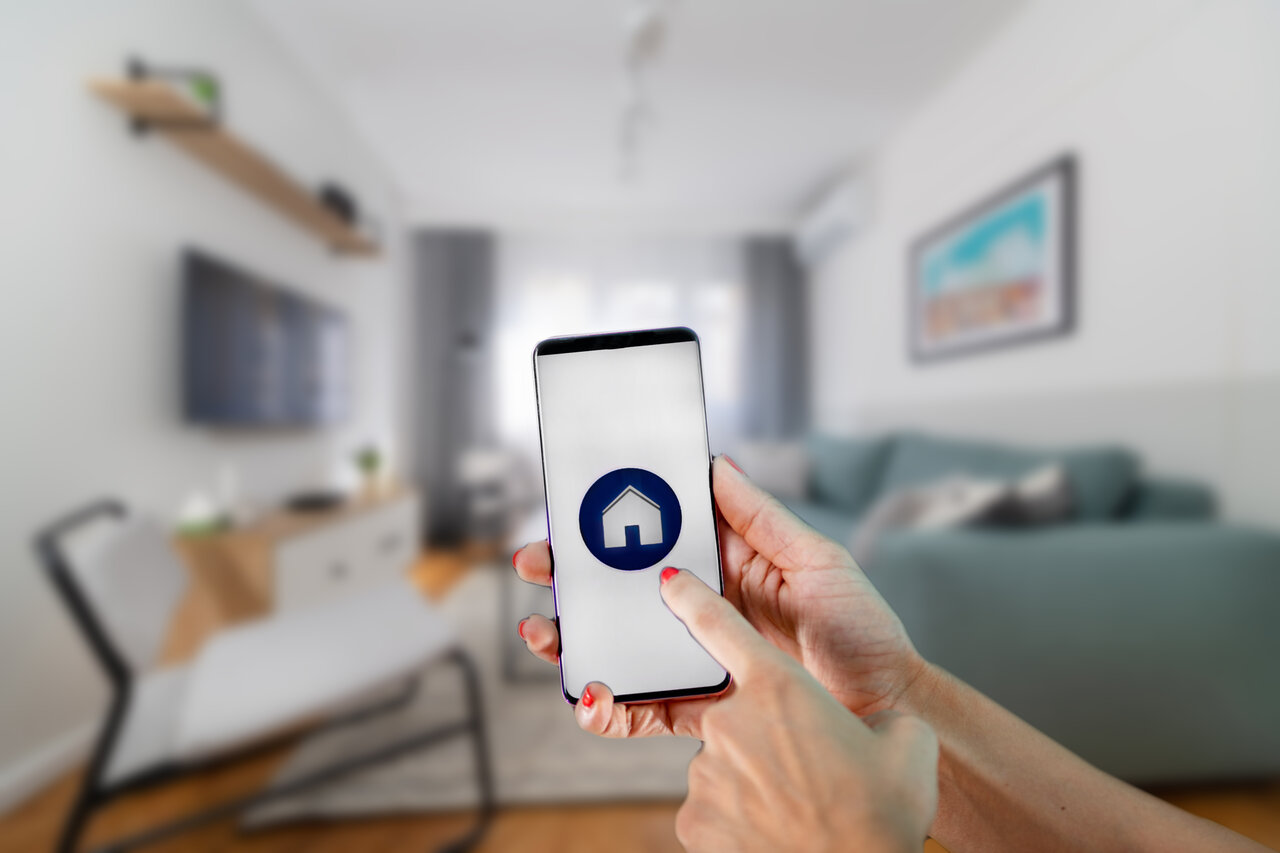
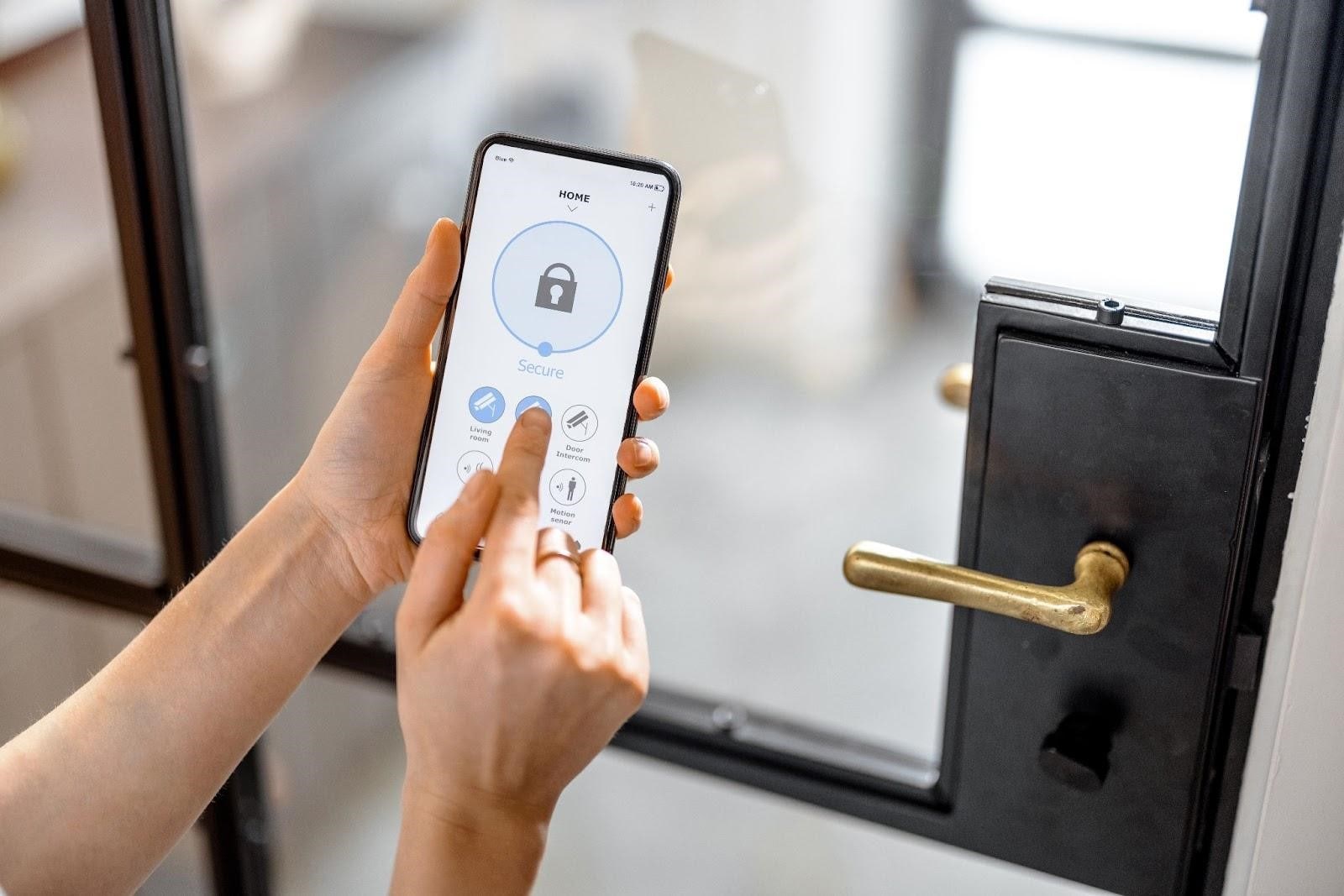
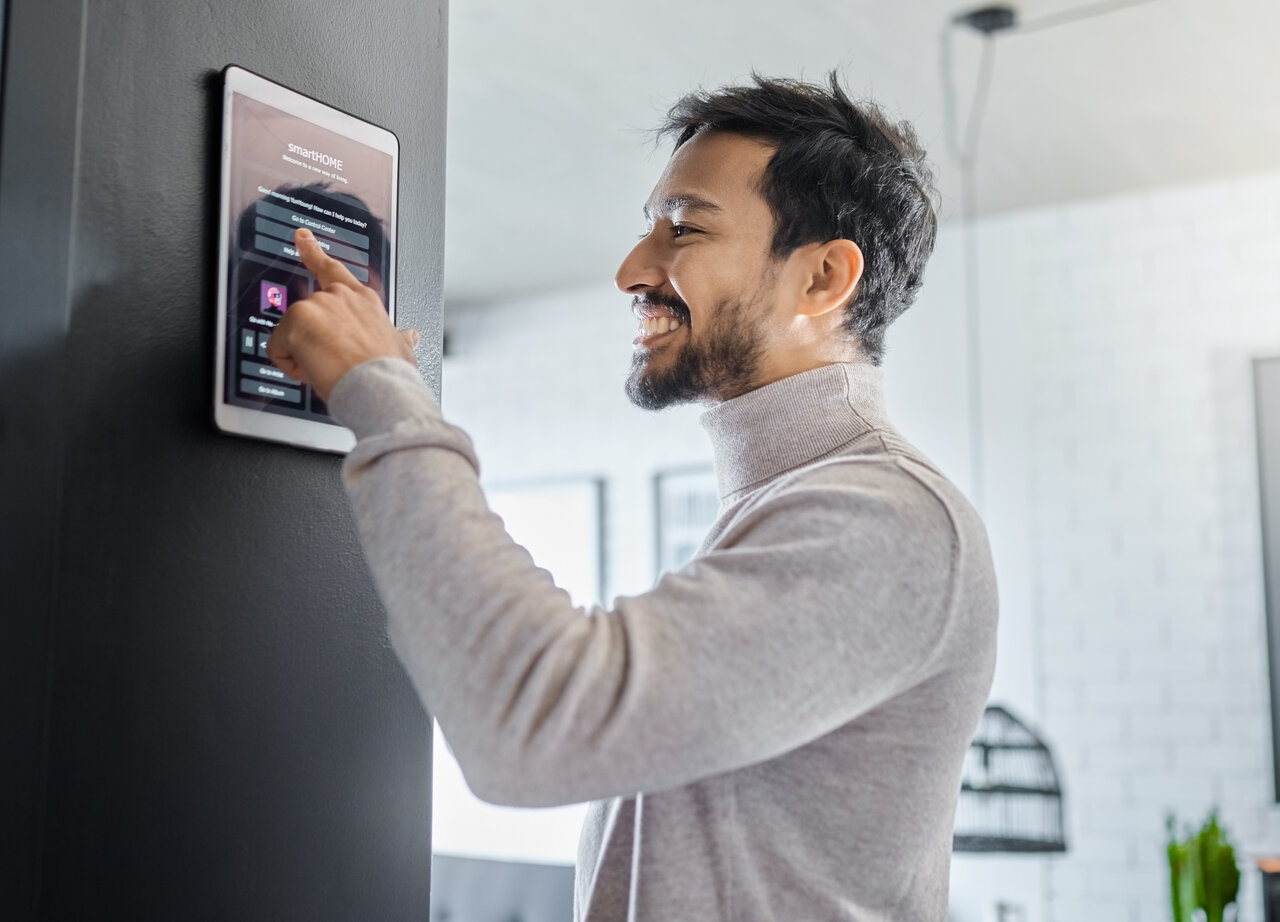
Modern commercial security systems offer smartphone app control for remote arming/disarming, live camera viewing, and instant push notifications. Monitor your business from anywhere—whether at home, traveling, or managing multiple locations.
Cloud Storage, Video Analytics, and Alarm.com Integration
Cloud storage provides secure off-site video backup accessible from any device. Video analytics detect unusual activity, people counting, and loitering alerts. Alarm.com integration unifies all security devices into one powerful management platform.
Ready to Secure Your Business?
Skip the DIY risks and compliance headaches. Sting Security provides professional commercial security installation, complete system configuration, and ongoing support—so your business is protected from day one.
Maintaining and Upgrading Business Surveillance Systems
Regular maintenance keeps your commercial security system functioning reliably. Schedule quarterly testing of all cameras, sensors, and alarms. Clean camera lenses, check backup batteries, verify network connectivity, and install software updates. Annual professional inspections identify aging components before failures occur.
When to Expand or Upgrade Your Commercial Security Setup
Upgrade when adding new locations, expanding facilities, or when technology advances offer significant improvements. Modern IP cameras, cloud storage, and video analytics provide capabilities unavailable in older systems.
Professional Business Security System Installation in Montreal
Sting Security provides complete commercial security solutions for businesses throughout Montreal, Quebec, and Canada.
Sting Smart Security: Turnkey Commercial Alarm and Surveillance Solutions
Sting Security installs and integrates security cameras, access control systems, intrusion alarms, fire detection, and 24/7 professional monitoring. Our turnkey solutions include site assessment, equipment, professional installation, configuration, and staff training.
Protect your business with a professionally installed commercial security system. Call Sting Security at +1 888 240-2048 or request a quote today.